Quick Answer
To compress a PDF to 1MB online for free without sign-up:
1. Open ToolNova's online PDF tool or upload your file directly.
2. Select Recommended Compression to shrink oversized embedded images while keeping text sharp.
3. Click Compress PDF and download your optimized 1MB document in seconds.
Key Takeaways
- University application portals, government upload forms, and corporate job sites strictly enforce a 1MB or 2MB PDF file size cap.
- High-resolution scanned documents and uncompressed camera photos are responsible for 90% of bloated PDF files.
- Smart browser compression resamples heavy images down to web resolution (150 DPI) without sacrificing readability.
- If your PDF is over 50MB, combining page splitting via [Split PDF](/tools/split-pdf) with image downsizing via [Image Compressor](/tools/image-compressor) easily brings file size under 1MB.
Hitting an unexpected "File exceeds 1MB limit" error right before a job application deadline or university submission is a universal headache. You spent hours polishing your resume, proposal, or tax forms, only to find out the file is 12MB because your scanner defaulted to print-ready 600 DPI settings.
The good news? You do not need expensive desktop software like Adobe Acrobat Pro or subscription accounts to solve this problem. You can compress any PDF to 1MB online directly in your web browser for free.

Student compressing a large PDF file on a laptop
Why PDF Files Get So Large in the First Place
Understanding why your PDF bloated to 15MB makes shrinking it much easier. A standard text-only PDF file is remarkably light—usually under 200 KB for a 10-page document. However, three common culprits inflate file size:
1. High-DPI Scanned Images
When you scan a physical paper using a multi-function printer, the default setting is often set to 300 DPI (Dots Per Inch) or 600 DPI intended for commercial printing. Each scanned page becomes a giant uncompressed bitmap photo embedded into the PDF structure.
2. Unoptimized Embedded Photos
Inserting 12-megapixel smartphone photos into a document report carries the full raw file payload of every image. A report with 5 photos can easily hit 25MB even if the document is only three pages long. For web-bound photos, pre-optimizing with Compress Images for Web Speed saves tremendous bandwidth.
3. Duplicate Font Subsets and Vector Objects
If a PDF was generated by merging multiple files from different authors, it may contain multiple copies of the exact same embedded fonts and graphic metadata.
According to the official ISO 19005 PDF Standard Specification, digital document archiving relies on stream compression algorithms to remove redundant font metadata while preserving structural fidelity.
How to Compress a PDF to 1MB Online (Step-by-Step)
Here is the exact step-by-step process to shrink your document size down to 1MB without losing clarity:
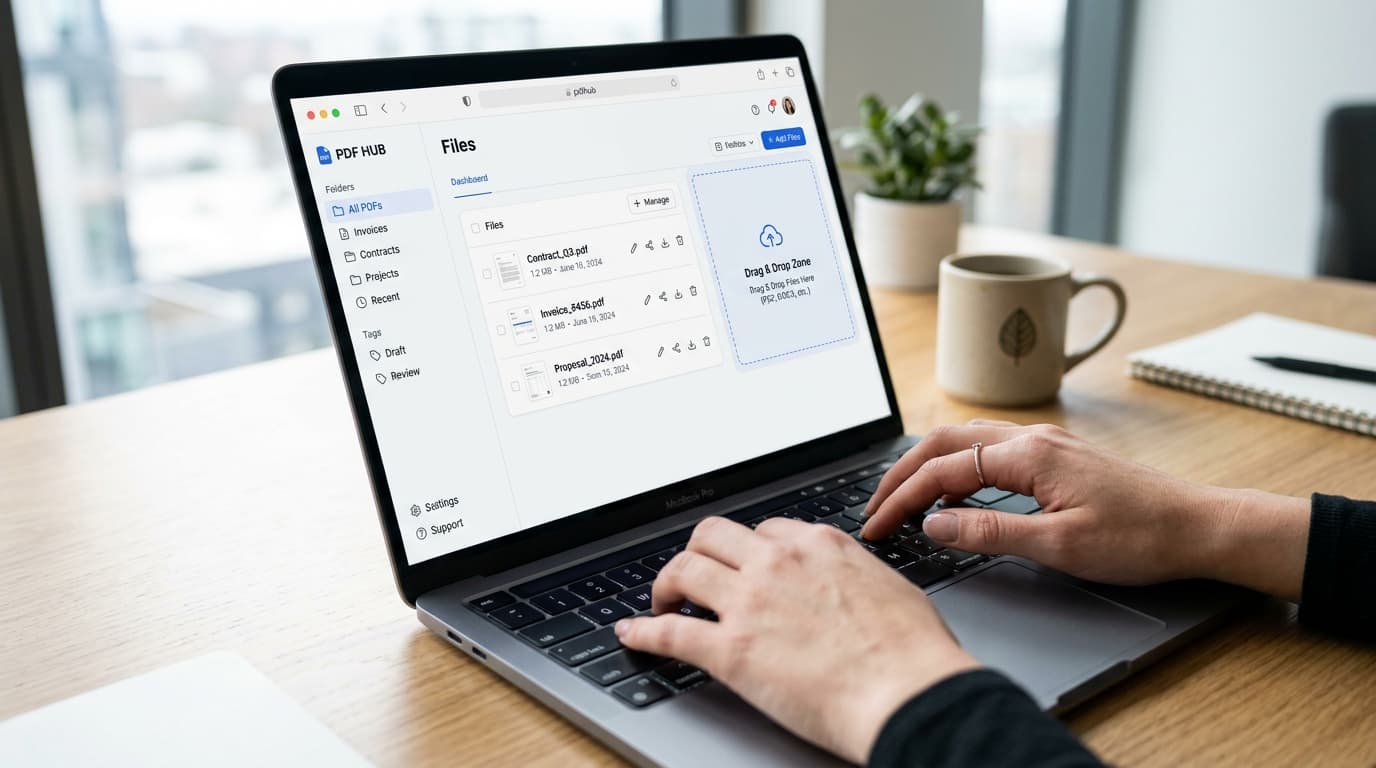
Step-by-step PDF file size reduction interface
Step 1: Upload Your PDF Document
Drag and drop your file into the upload area or click Select PDF File. Your file is processed locally in your browser session for maximum security and privacy.
Step 2: Choose Your Compression Level
Most online compressors give you three primary compression modes:
* Extreme Compression (Low Quality): Best when your file is huge (30MB+) and you need to hit strict email limits. May slightly soften high-res photos.
* Recommended Compression (Good Quality & Great Reduction): The sweet spot. Reduces resolution from 300 DPI to 150 DPI—perfect for screens while keeping text crisp.
* Less Compression (High Quality): Shrinks metadata and font vectors only, retaining maximum photo detail.
Step 3: Click Compress and Download
Click Compress PDF. In 2 to 5 seconds, your document will be ready to download. Check the final file size in your browser downloads folder to confirm it is under 1MB (1,024 KB).
Pro Techniques for Reducing Extra-Large PDFs (50MB+)
If your initial PDF file is massive (e.g., a 100-page portfolio or high-res scan book), standard single-pass compression might only take it from 50MB down to 4MB. Here are three expert methods to force ultra-large documents under the 1MB threshold:
Method A: Separate and Compress Individual Pages
If only a few pages contain heavy images, use Split PDF to separate the document into sections. Compress the image-heavy sections individually using Image Compressor, and re-combine them with Merge PDF.
Method B: Convert Images Before Converting to PDF
If you are compiling a PDF from smartphone photos or JPEG scans, compress the raw images first with JPG to PNG or Image Compressor before using Image to PDF to create the document. Building a document from compressed images prevents the PDF from ever inflating in the first place.
👍 Pros
👎 Cons
Best Practices to Keep PDF Files Lightweight
To avoid scrambling for a compressor at the last minute, adopt these file creation habits:
- Change Scan Resolution to 150 DPI: When scanning documents for job apps or tax forms, set your scanner software to 150 DPI or "Web/Email Quality".
- Export as 'Standard (Publishing Online)': In Microsoft Word, Google Docs, or Canva, select Export as PDF (Standard / Web) rather than "Print Quality".
- Flatten Form Fields: Interactive form fields add XML payload. Print to PDF or flatten interactive elements to strip unnecessary scripting.
Summary
Compressing a PDF file down to 1MB does not mean accepting blurry, unreadable text. By leveraging smart browser-based compression that targets heavy embedded images and redundant fonts, you can easily meet strict submission rules in seconds.
Try ToolNova's free tools today:
* Merge PDF — Combine multiple PDFs into one optimized file.
* Split PDF — Extract specific pages from large documents.
* Image Compressor — Downsize JPG and PNG photos before inserting into documents.
* Image to PDF — Convert clean scans directly into lightweight PDFs.
Need help rewriting or polishing your text?
Use ToolNova’s 100% free Paraphraser & Grammar Checker. No signup required.